 AutoReply
Your AI voice for every reply
Turn any post into replies and content that sound like you. Share it from any app, pick a tone, and post in seconds.

Free to start · iPhone · iPad · 15 languages
How it works
Three taps. That's it.
Share any post
Tap Share on a post in your favorite social app or in Safari and choose AutoReply.
Pick tone and platform
Professional, funny or bold. Tuned for X, Instagram, LinkedIn, TikTok and more.
Copy and post
Get three smart options in seconds. Copy your favorite and you're done.
Replies & posts
Perfect replies in seconds
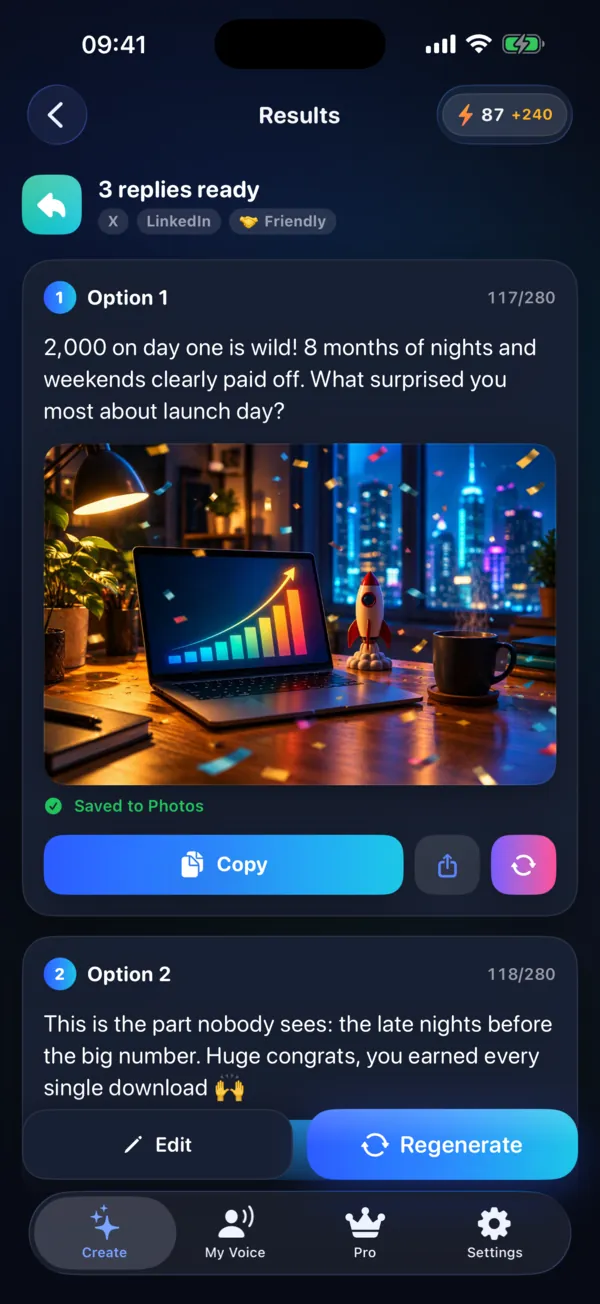
Paste a post or a link and get three ready-to-post options, each with a different angle. Switch to Create mode to write fresh posts inspired by anything you read.
- 3 alternatives every time
- Character counter for every platform
- Reads links automatically
Write as Me
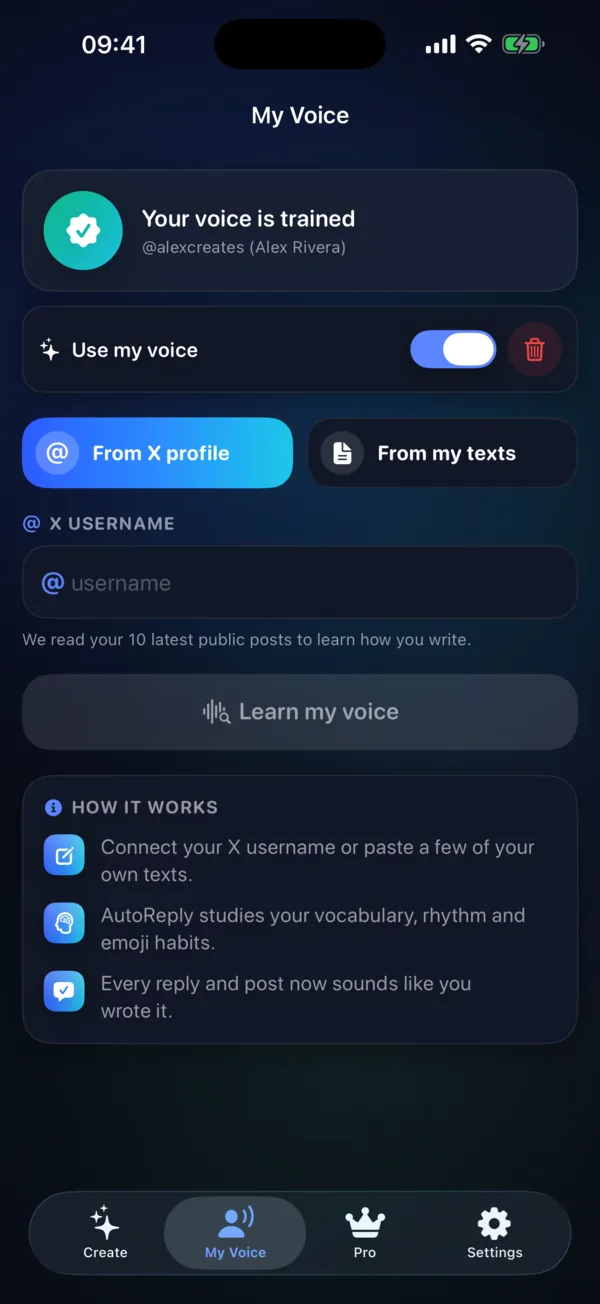
Sounds exactly like you
Train AutoReply on your own posts or texts. It learns your vocabulary, rhythm and emoji habits, so every reply reads like you wrote it.
- Learns from your X profile or your texts
- Your style, applied everywhere
- Turn it on or off anytime
AI visuals
Scroll-stopping images in one tap
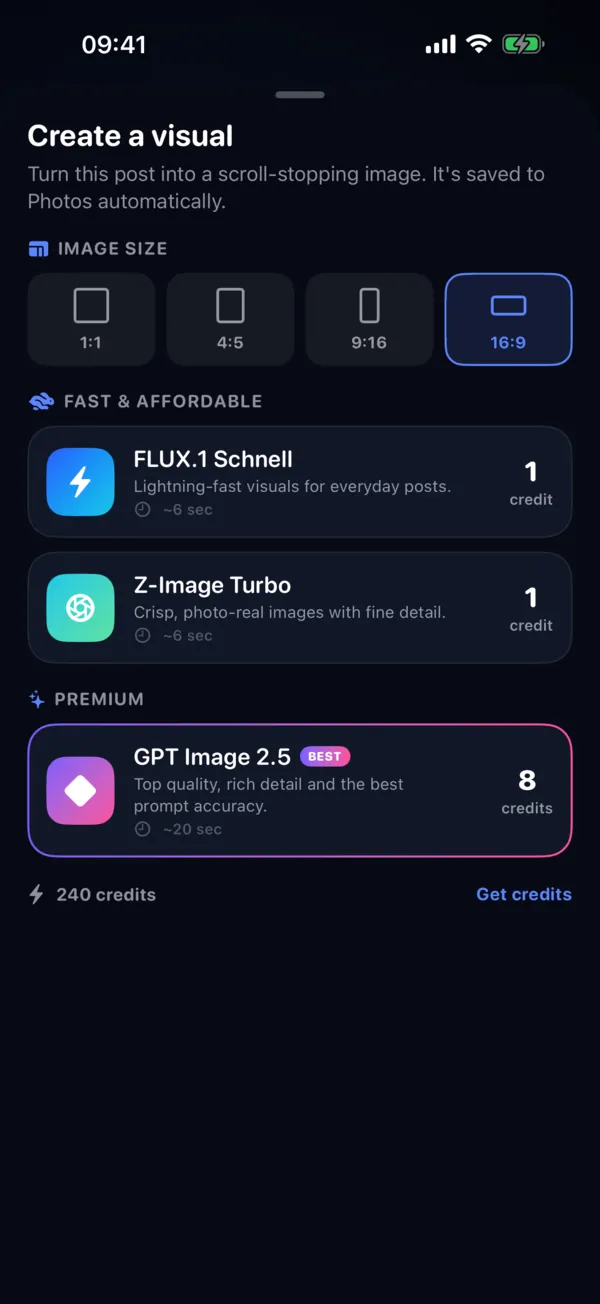
Turn any post into an image and save it straight to Photos. Choose fast models for everyday visuals or premium quality when it really matters.
- FLUX.1 Schnell and Z-Image Turbo: fast and affordable
- GPT Image 2.5: premium detail and accuracy
- Square, portrait, story and landscape sizes
Every platform. Every tone.
Made for how you post
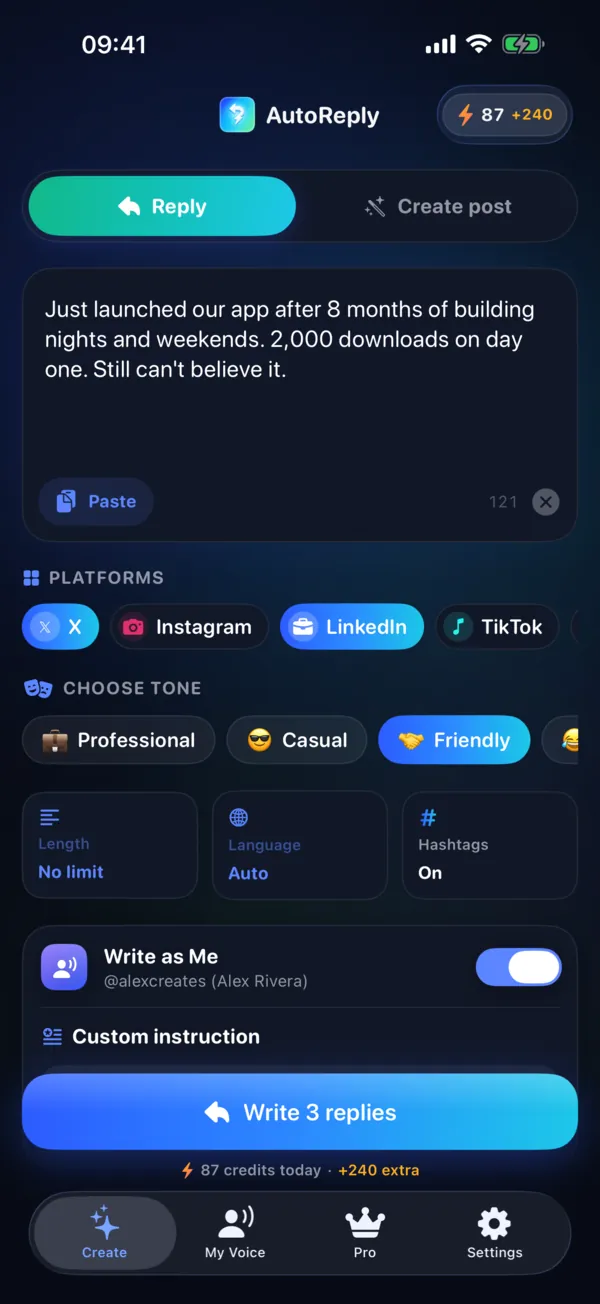
Choose from 12 tones, set the length, add hashtags or your own custom instruction. AutoReply adapts to each platform's style automatically.
Languages
Speaks your language
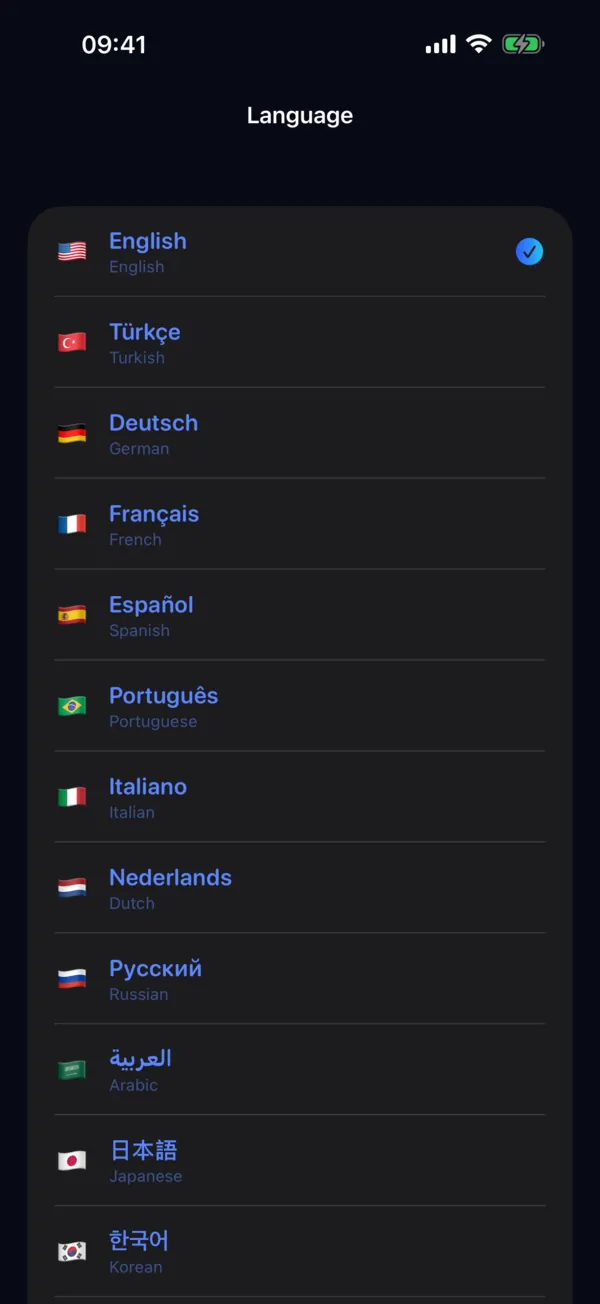
Use the app in 15 languages and write in 20. Or let AutoReply reply in the same language as the original post.
Packed with power
Fast Actions
Generate, copy and close right from the share sheet.
Smart link reading
Paste a link and AutoReply reads the post for you.
Custom instructions
Add your own rules to every generation.
Smart hashtags
Relevant hashtags, or none at all. Your call.
Length control
One-liners, 280 characters or long-form posts.
20 writing languages
Write in your language or match the original post.
Your own brand
Remove the watermark or use your own name.
Private by design
No ads, no tracking. Delete your account anytime.
Pricing
Start free. Go Pro.
Try AutoReply with 3 free generations. Upgrade for daily credits and every pro tool.
Free
To get started
- 3 free generations
- Every platform, 12 tones, 20 languages
- Share extension
- AI images with credit packs
Pro
Weekly, monthly or yearly
- 100 credits every day
- Write as Me voice training
- Custom instructions
- Fast Actions in the share sheet
- Remove or customize the watermark
Need more? Credit packs never expire and work for extra replies and AI images.
Frequently asked questions
What is AutoReply?
AutoReply is an iPhone app that writes replies, posts and images for social media. Paste a post or share it from any app, choose a tone and platform, and get three ready-to-post options in seconds.
How do I use it from other apps?
Tap Share on any post, then choose AutoReply. If you don't see it, scroll the app row to the end, tap More, and add AutoReply to your Favorites.
Does it really write like me?
With Write as Me (Pro), AutoReply learns from your own posts or texts and matches your vocabulary, sentence length and emoji style.
Which AI models does AutoReply use?
Text is written by OpenAI GPT models. Images are created with FLUX.1 Schnell, Z-Image Turbo or GPT Image 2.5. Requests go through our secure server via Pollinations.ai.
Which languages are supported?
The app is available in 15 languages, and you can write content in 20, or let AutoReply reply in the language of the original post.
What happens to my data?
Only the text you choose to send is processed to create your result. We don't show ads or track you, and you can delete your account in the app at any time.
How do credits work?
Each reply or post costs 1 credit. Fast images cost 1 credit and premium images 8. Pro includes 100 credits every day, and credit packs never expire.
How do I cancel my subscription?
Open the Settings app on your iPhone, tap your name, then Subscriptions, choose AutoReply and tap Cancel Subscription.
Ready to reply smarter?
Join creators who reply faster and post more with AutoReply.